
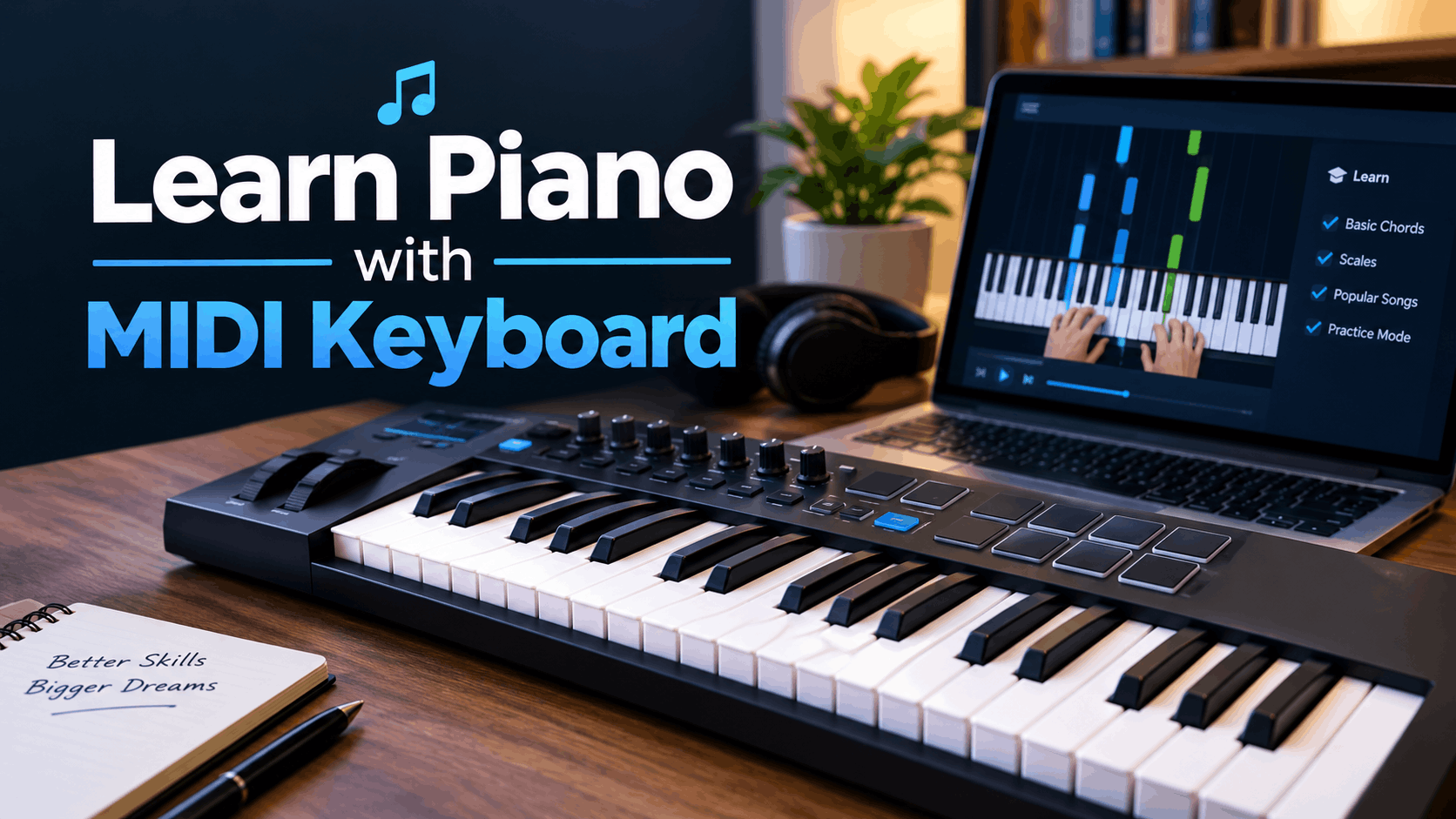
MIDI keyboards have become one of the most popular ways for beginners to start learning piano, especially with the rise of apps, online lessons, and home recording setups. At Andy Piano Tuition, we often get asked whether a MIDI keyboard is a good way to learn piano, and the answer is yes, as long as you understand how to use it properly.
This guide covers everything you need to know about learning piano with a MIDI keyboard, from setup to practice techniques.
What Is a MIDI Keyboard?
A MIDI keyboard is a controller that sends musical data to a computer, tablet, or sound module rather than producing sound on its own. MIDI stands for Musical Instrument Digital Interface, and it allows the keyboard to communicate with software such as apps, digital audio workstations, and virtual instruments.
How MIDI Keyboards Differ From Regular Keyboards
| Feature | MIDI Keyboard | Regular Keyboard |
|---|---|---|
| Built-in sound | No, requires software or a module | Yes, has built-in speakers and voices |
| Portability | Lightweight, often USB powered | Varies, some are bulkier |
| Learning apps | Works well with piano learning software | Some include built-in lesson modes |
| Recording | Excellent for music production | Limited or no recording features |
| Price | Often affordable | Ranges widely |
Can You Learn Piano on a MIDI Keyboard?
Yes, a MIDI keyboard is a perfectly valid way to learn piano, particularly when paired with the right software and proper lessons. Many students at Andy Piano Tuition use MIDI keyboards alongside apps and video lessons to reinforce what they learn in their sessions.
Benefits of Learning Piano with a MIDI Keyboard
- Connects easily to piano learning apps like Simply Piano and Flowkey
- Often more affordable than digital pianos
- Portable and space saving
- Useful for both learning piano and music production later on
- Works well with notation software for practising sight reading
Limitations to Be Aware Of
- Requires a connected device, such as a laptop, tablet, or phone
- Often has unweighted or semi-weighted keys, which do not fully replicate an acoustic piano feel
- Smaller MIDI keyboards may have fewer than 88 keys, limiting repertoire
- Some models lack touch sensitivity, which affects dynamic control
What to Look for in a MIDI Keyboard for Learning Piano
Number of Keys
MIDI keyboards commonly come in 25, 49, 61, or 88-key versions. For serious piano learning, aim for at least 61 keys, though 88 keys is ideal for long-term progress.
Touch Sensitivity
Look for a velocity-sensitive MIDI keyboard, meaning the volume changes based on how hard you press the keys. This is essential for developing expressive playing.
Weighted or Semi-Weighted Keys
While many MIDI keyboards use lighter synth-action keys, some models offer semi-weighted or fully weighted keys, which feel closer to an acoustic piano and help build proper finger technique.
Connectivity
Most MIDI keyboards connect via USB, though some offer Bluetooth MIDI for wireless use with tablets and phones.
Compatibility With Learning Apps
Check that your MIDI keyboard is compatible with popular piano learning platforms before purchasing, as some apps require specific connections or software.
How to Set Up a MIDI Keyboard for Learning Piano
- Connect your MIDI keyboard to a computer, tablet, or phone using USB or Bluetooth
- Install a piano learning app or software, such as Simply Piano, Flowkey, or a digital audio workstation
- Set the correct MIDI input within your chosen app or software settings
- Test the keys to confirm sound and responsiveness are working correctly
- Adjust settings such as volume, sound selection, and touch sensitivity if available
Best Apps and Software for Learning Piano with a MIDI Keyboard
- Simply Piano: Offers real-time feedback using your MIDI keyboard input
- Flowkey: Recognises notes played on your MIDI keyboard and tracks progress
- Yousician: Gamified lessons that respond to MIDI input
- Musescore: Free notation software useful for practising sight reading
- GarageBand or other DAWs: Useful once you want to start recording your playing
While these apps are excellent for practice, they work best as a supplement to structured lessons. At Andy Piano Tuition, we help students combine app-based practice with personalised, in-person guidance for faster progress.
Step-by-Step Guide to Learning Piano with a MIDI Keyboard
Step 1: Learn Proper Hand Position and Posture
Before diving into songs, make sure your hand position, finger numbering, and posture are correct. Bad habits formed early can be difficult to unlearn later.
Step 2: Practise Note Reading and Basic Theory
Use your MIDI keyboard alongside notation software or apps to practise identifying notes and understanding rhythm.
Step 3: Start With Simple Exercises and Scales
Five-finger exercises and basic scales such as C major help build coordination and familiarity with the keyboard layout.
Step 4: Use App Feedback to Correct Mistakes
Many learning apps highlight incorrect notes in real time, helping you self-correct as you practise.
Step 5: Book Lessons With a Qualified Teacher
Apps and software are useful tools, but they cannot replace personalised feedback. A qualified teacher, such as those at Andy Piano Tuition, can identify technique issues that apps often miss.
MIDI Keyboard vs Digital Piano vs Acoustic Piano for Learning
| Factor | MIDI Keyboard | Digital Piano | Acoustic Piano |
|---|---|---|---|
| Sound source | Requires external software or module | Built-in, realistic piano tones | Natural acoustic sound |
| Key feel | Often light or semi-weighted | Usually weighted | Fully weighted, authentic |
| Portability | Very portable | Moderate | Not portable |
| Best for | App-based learning, music production | Realistic practice, exams | Long-term serious study |
| Price | Generally affordable | Mid to high range | Highest |
Common Mistakes When Learning Piano with a MIDI Keyboard
- Relying only on apps without professional guidance
- Choosing a MIDI keyboard with too few keys for long-term use
- Ignoring touch sensitivity and key weight when purchasing
- Skipping proper hand position and technique in favour of app gamification
- Not practising away from the screen or app to build independence
Frequently Asked Questions (FAQs)
Do I need a computer to learn piano with a MIDI keyboard? Not necessarily. Many MIDI keyboards connect to tablets and smartphones, which can run piano learning apps just as effectively as a computer.
Is a MIDI keyboard as good as a digital piano for learning? A MIDI keyboard can be a great learning tool, especially when paired with apps, but a digital piano typically offers a more realistic key feel and built-in sound, which some learners prefer.
How many keys should a MIDI keyboard have for learning piano? At least 61 keys is recommended for meaningful practice, though 88 keys is ideal for playing full piano repertoire.
Can beginners use a MIDI keyboard without any music software? A MIDI keyboard requires connected software or a sound module to produce sound, so beginners will need at least a basic app or program to hear what they are playing.
Should I combine MIDI keyboard practice with in-person lessons? Yes, combining app-based practice with professional lessons, such as those offered by Andy Piano Tuition, gives you the structure and personalised feedback that apps alone cannot provide.
Conclusion: Learning Piano with a MIDI Keyboard the Right Way
A MIDI keyboard can be an excellent, flexible tool for learning piano, particularly when combined with the right apps and proper guidance. While it has some limitations compared to a digital or acoustic piano, it offers an affordable and portable way to start your musical journey.
At Andy Piano Tuition, we help students in Glasgow make the most of their MIDI keyboards by pairing technology with structured, personalised lessons. Get in touch with Andy Piano Tuition today to start learning piano the right way.